 004d764238
Add dashboard and update routes to use the new User object. Merge forwarding and locking to be user-only methods and remove old routes that no longer exist |
||
|---|---|---|
| .github | ||
| application | ||
| domain | ||
| infrastructure/web | ||
| .env.example | ||
| .gitignore | ||
| app.js | ||
| app.json | ||
| docker-compose.yml | ||
| Dockerfile | ||
| LICENSE | ||
| package-lock.json | ||
| package.json | ||
| README.md | ||
48hr.email

Official Instance • Example Inbox • Discord
What is this?
48hr.email is my very own tempmail service. You can create emails on the fly with one click, not needing to worry about corporations do with your email. They can sell that one all they want!
All data is being removed 48hrs after they have reached the mail server.
Features
- Create a custom inbox with select name and domain, or get a fully randomized one
- Receive emails with a clean preview in your inbox, with optional browser notifications
- Read emails, with support for HTML, CSS & JS just like you are used to from regular email providers
- Automatic detection and display of cryptographic keys and signatures
- Delete your emails ahead of time by pressing the delete button
- View the raw email, showing all the headers etc.
- Download Attachments with one click
- Password-protected inboxes
- and more...
Screenshots
| Inbox | Email using HTML and CSS |
|---|---|
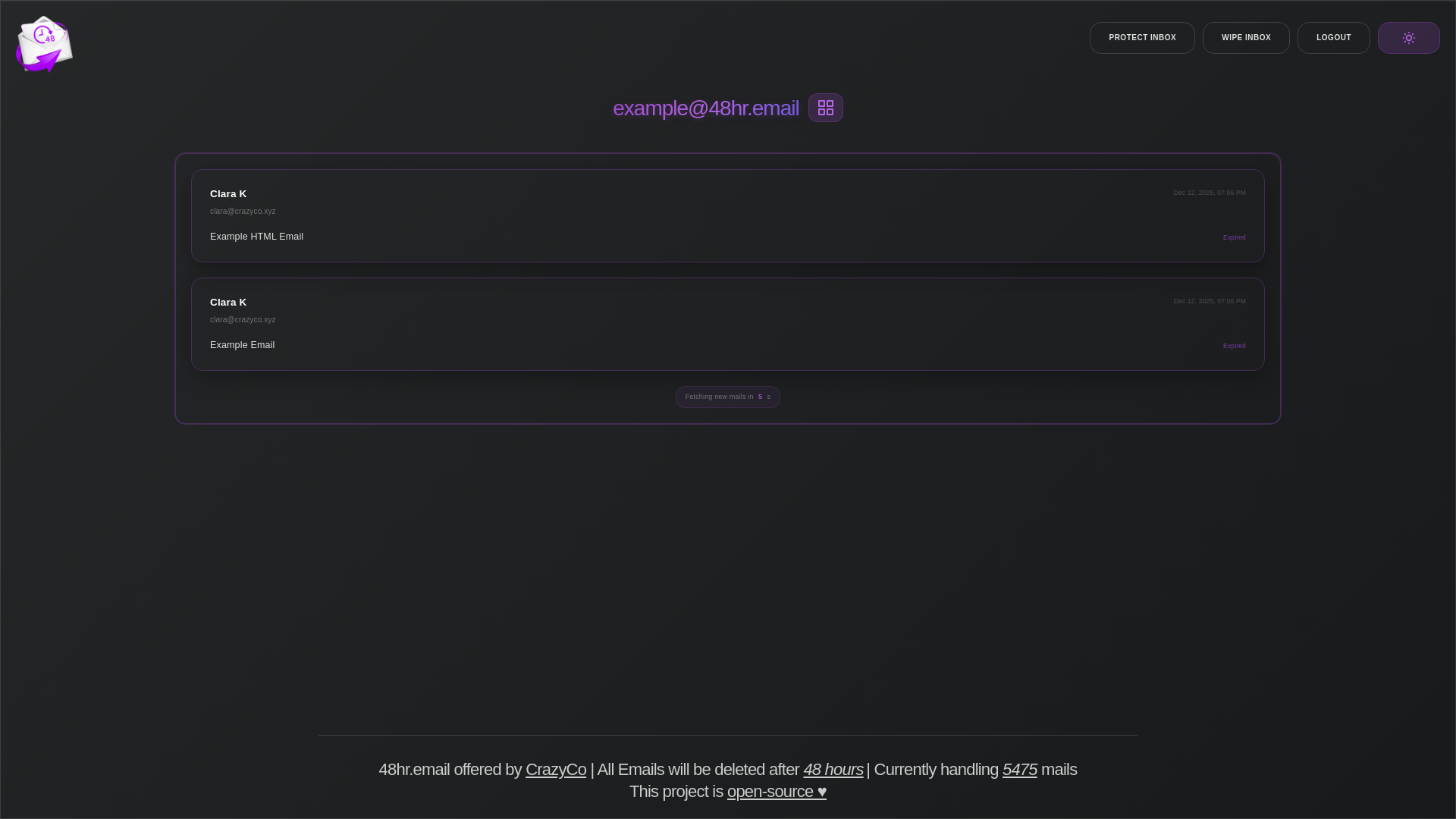 |
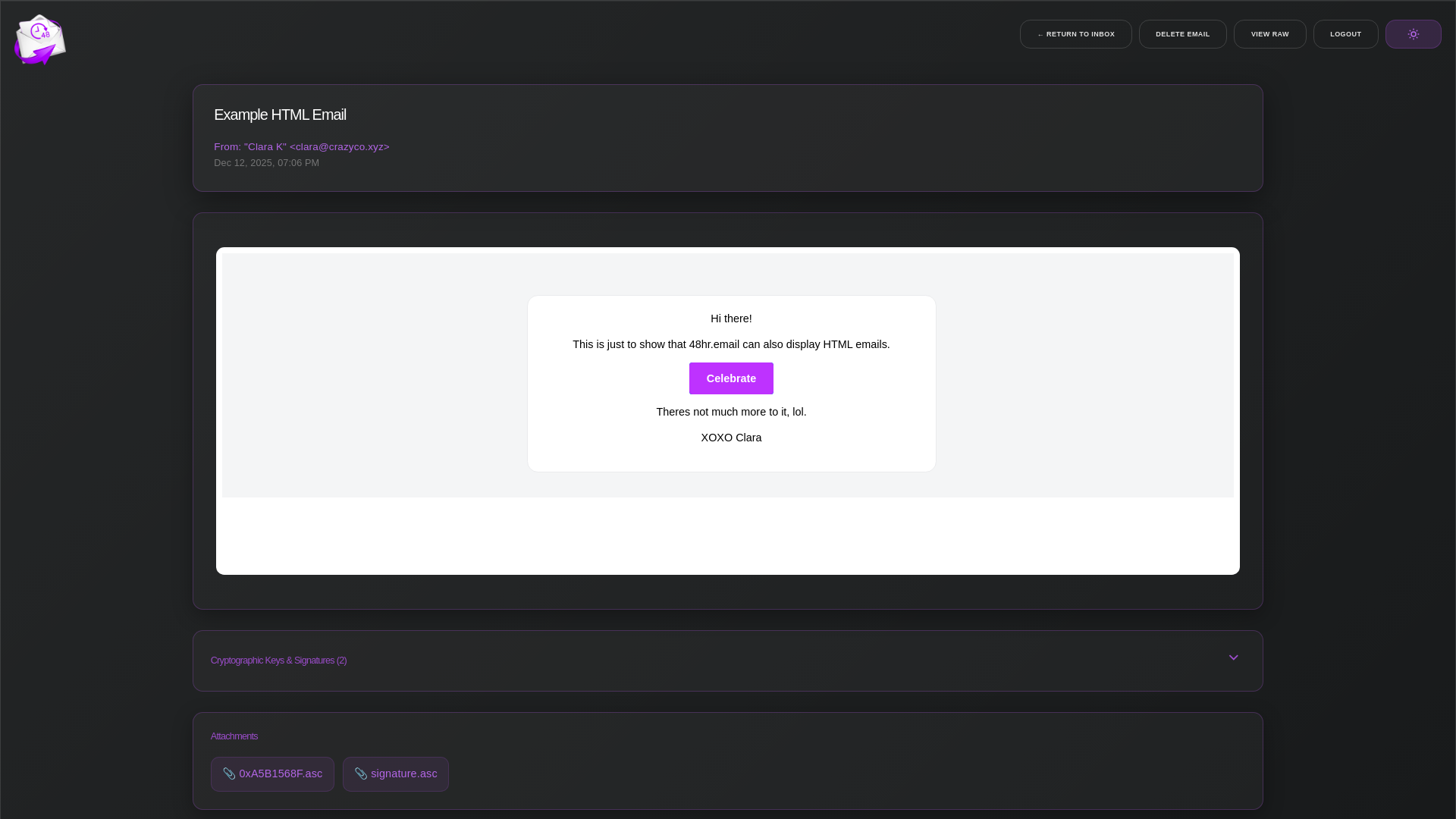 |
| Email without CSS | Dropdown for cryptographic Keys and Signatures |
|---|---|
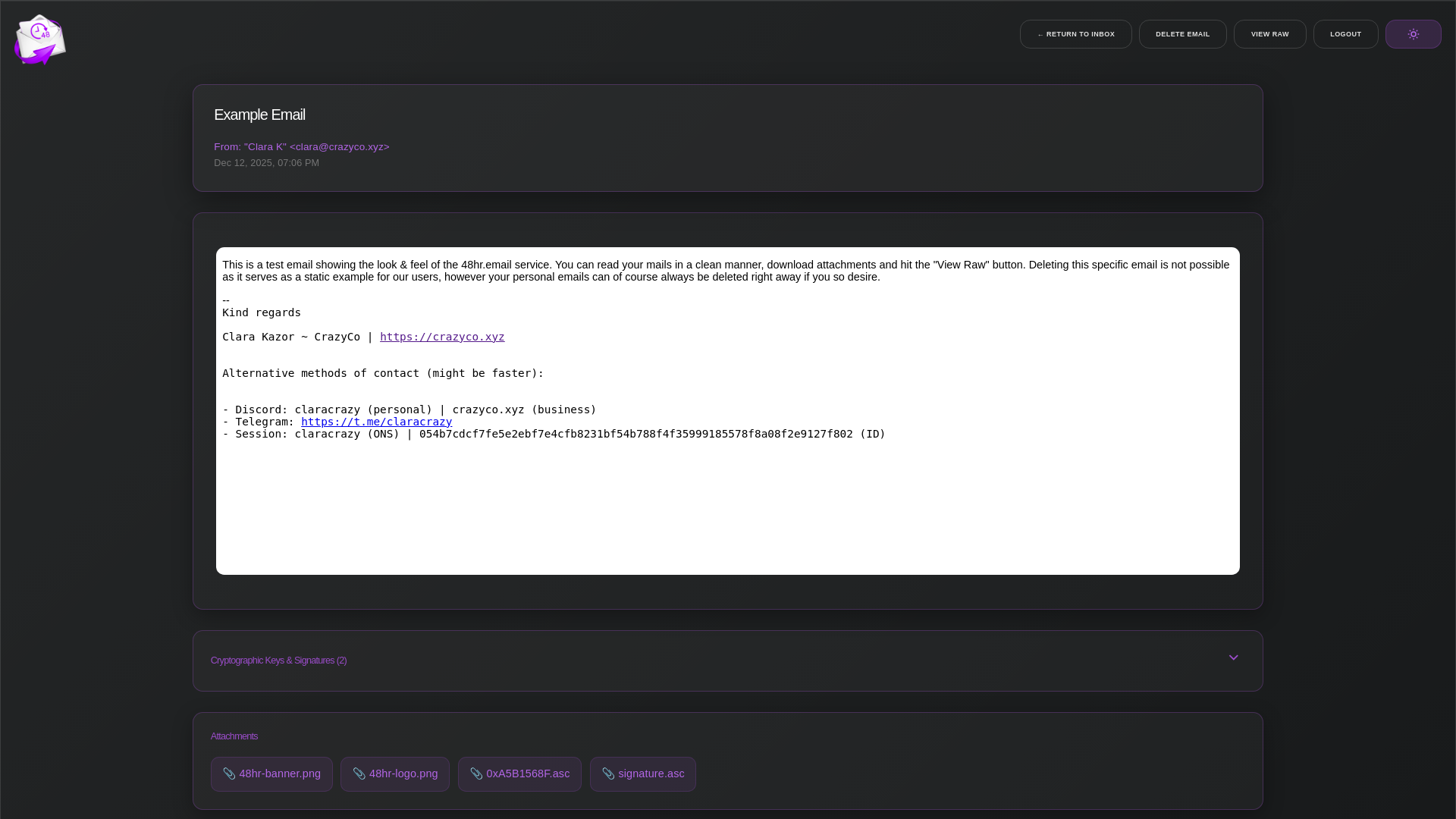 |
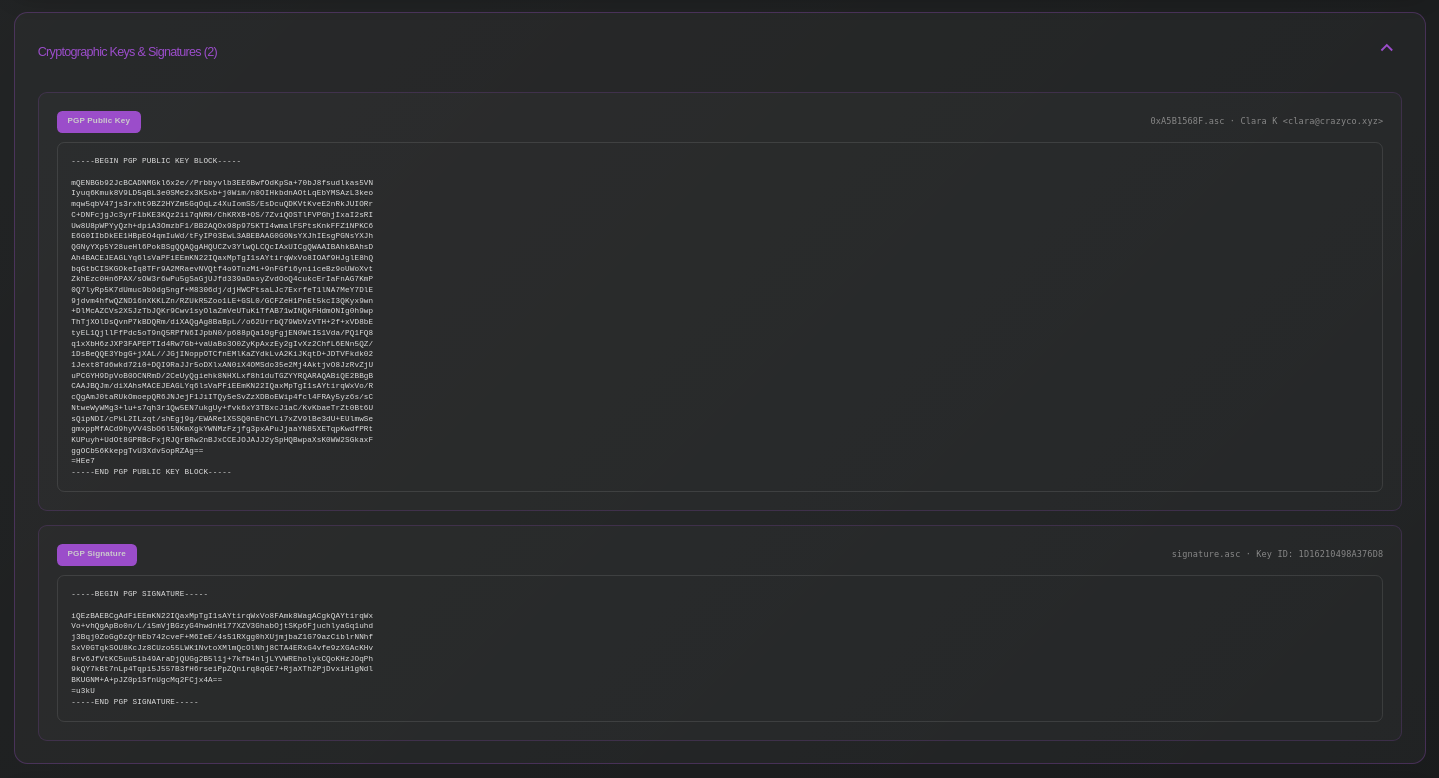 |
How does this work?
48hr.email uses an existing IMAP server for its handling. A single catch-all account and the accompanying credentials handle all the emails.
How can I set this up myself?
Prerequisites:
- Mail server with IMAP (Optionally also SMTP for email forwarding feature)
- One or multiple domains dedicated to this
- git & nodejs
Option 1 - bare-metal install
Setup:
git clone https://github.com/Crazyco-xyz/48hr.email.git
cd 48hr.email
npm i
Change all settings to the desired values:
- Either use environmental variables, or modify
.env(see.env.example)
npm run start
Service file example:
[Unit]
Description=48hr-email
After=network-online.target

[Service]
Type=exec
User=user
Group=user

WorkingDirectory=/opt/48hr-email
ExecStart=npm run start

Restart=on-failure
TimeoutStartSec=0
RestartSec=5s

[Install]
WantedBy=multi-user.target
Option 2 - Docker
Setup:
git clone https://github.com/Crazyco-xyz/48hr.email.git
cd 48hr.email
Change all settings to the desired values:
- Either use environmental variables, or modify
.env, see.env.example
docker compose up -d
If desired, you can also move the config file somewhere else (change volume mount accordingly)
Support me
If you find this project useful, consider supporting its development!
Since I work full-time on open-source projects spread across my organizations, my only source of income is donations from people like you that use & appreciate my stuff. So, if you can spare a dollar or two, I would really appreciate that. All the money goes towards paying rent, essentials like food, drinks etc, and most importantly it will be used to fuel my cookie addiction🍪
Crypto:
- XMR:
42xc4qPZyfi4wzAkCBXSoMSo3BLDS8946J89JXDqtT5gRj6uYpfhjQF12NLPMxtqGDL2RxoWXjB73iYdBP8DX7SqGvdbdtb - USDT (TRX20):
TWg6VDUBase3HDA6RxAwTVjQw4SbxoGyqZ - USDT (ERC20):
0x841251438A8Fb2B16298C15B10feA9Fd2cEA3405 - Doge:
DCKAFtgw6686uEMaFzZfCtUajS9VjPJLMm - BTC:
bc1qje8qy7gpudm8hhyx43n9xndg7d8xj5f7dh6m4p
Fiat:
- Patreon (Fee: 8%*): ❤️ Account needed, subscription with perks
- ko-fi (Fee: 2%*): No account needed, subscription or one-time donation
- Wire-transfer (Fee: 0%*): No account needed, one-time donation
- Paypal** (Fee: 2%*): Account needed, one-time donation
* Fee is calculated by how much I will lose when cashing out
** Please make sure to select Friends and Family
Thanks for all your support <3